Your account details
Click your name in the top-right corner to open your profile settings.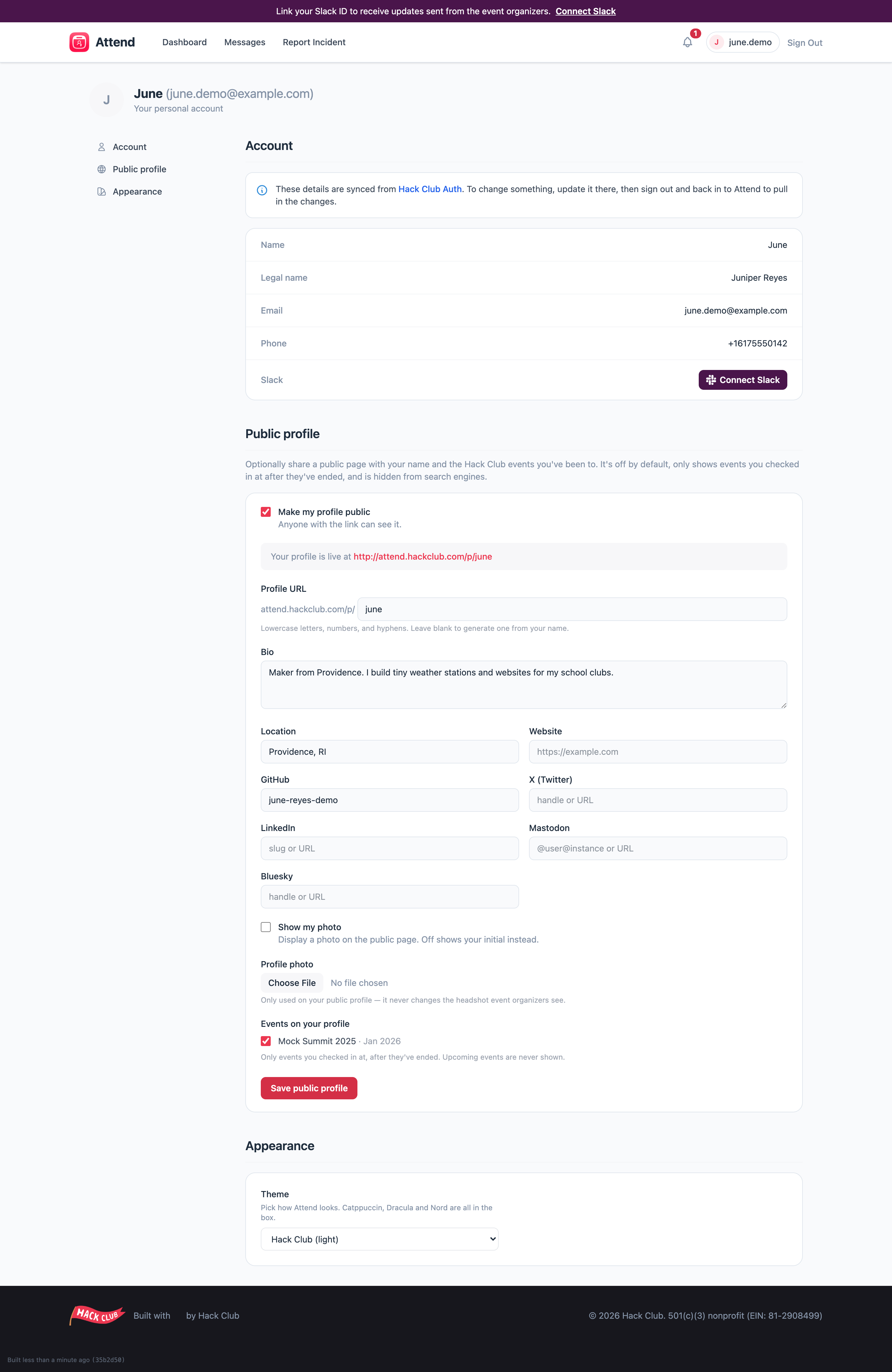
What you can change where
Health, dietary, or accessibility needs changed after you submitted? Don’t sit on it — email attend@hackclub.com or tell the organizers directly. This is exactly the information they most want to have right.
Appearance
Attend has light and dark themes (plus a few fun ones — Catppuccin, Dracula, and Nord are all in the box). Change yours under Appearance in profile settings. By default Attend follows your device’s light/dark setting.Who sees what
- Health, medical, dietary, and accessibility information is encrypted and visible only to staff roles that need it — not to other participants, and not to every organizer.
- Your headshot is only visible to authorized event staff, for identification.
- Your public profile shows only what you opt in to — see Your public profile.