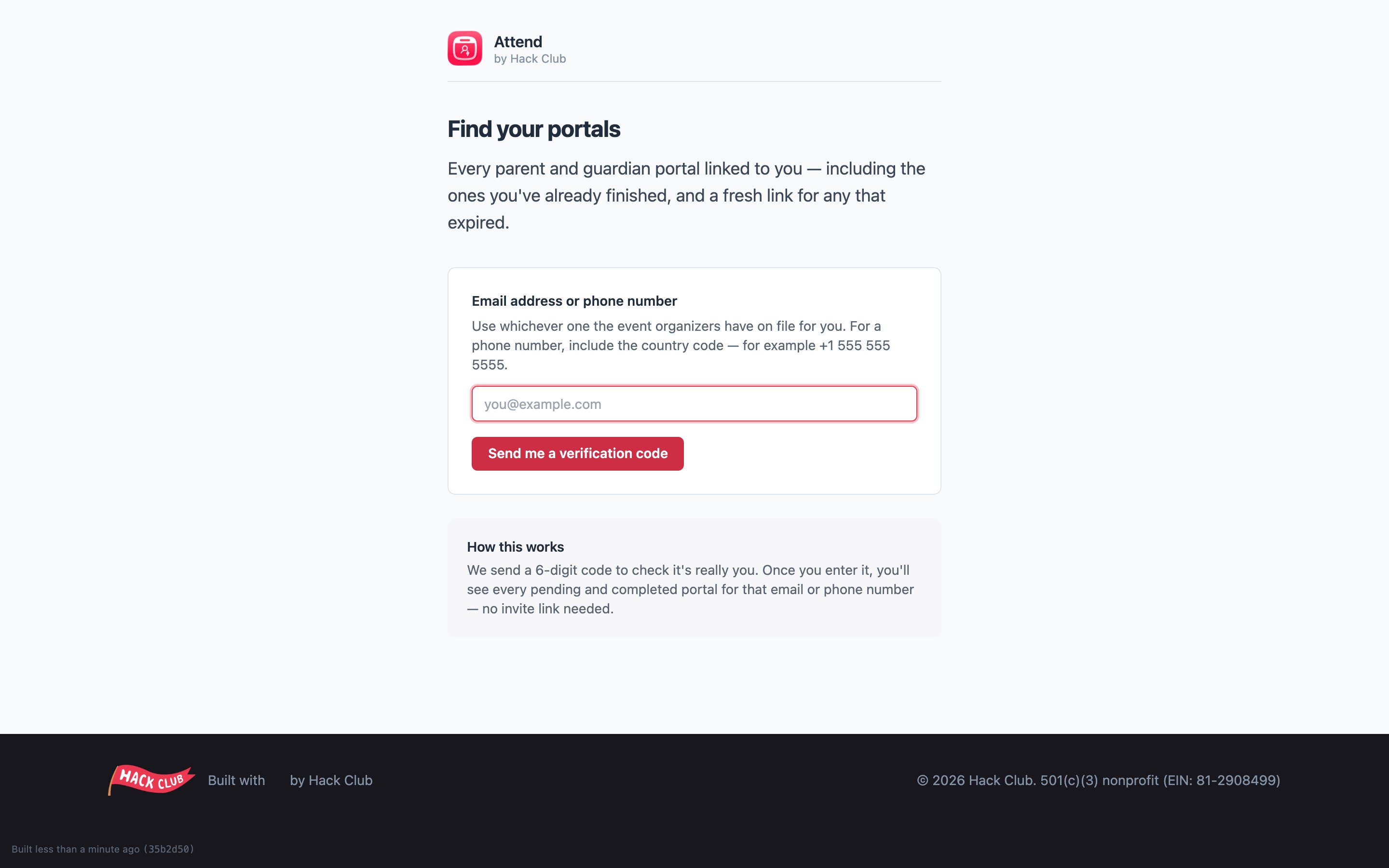
What they receive
After you submit onboarding, the guardian you named gets an email with a secure personal link. They don’t need an account or a password — the link takes them straight to their portal, where they:- confirm your details,
- add emergency contact information,
- sign the consent forms and their half of the waiver.
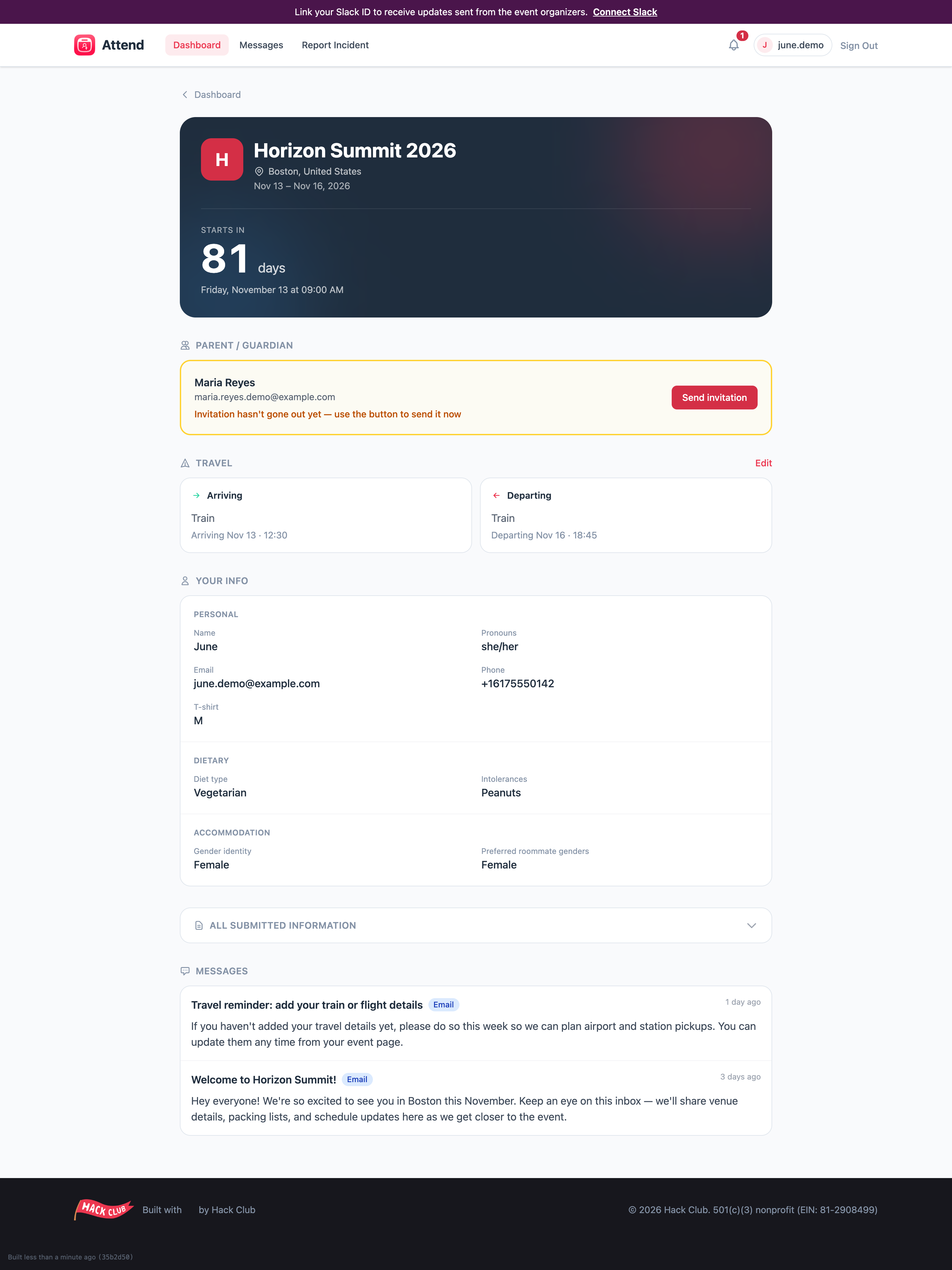
Nudging them along
- Resend the invitation any time from your event page — there’s a button on the Parent/Guardian card. (You can resend at most once every couple of minutes.)
- If the button says invitations haven’t opened yet, the event hasn’t started sending guardian forms — nothing is wrong; try again once the organizers open them.
They lost the email?
Two options:- Resend it from your event page (easiest).
- Send them to the Guardian Portal Center: from the Attend home page, they click Parent or guardian, enter the email address or phone number the organizers have on file for them, and receive a 6-digit verification code that shows them every portal linked to them — including fresh links for any that expired. No digging through their inbox.