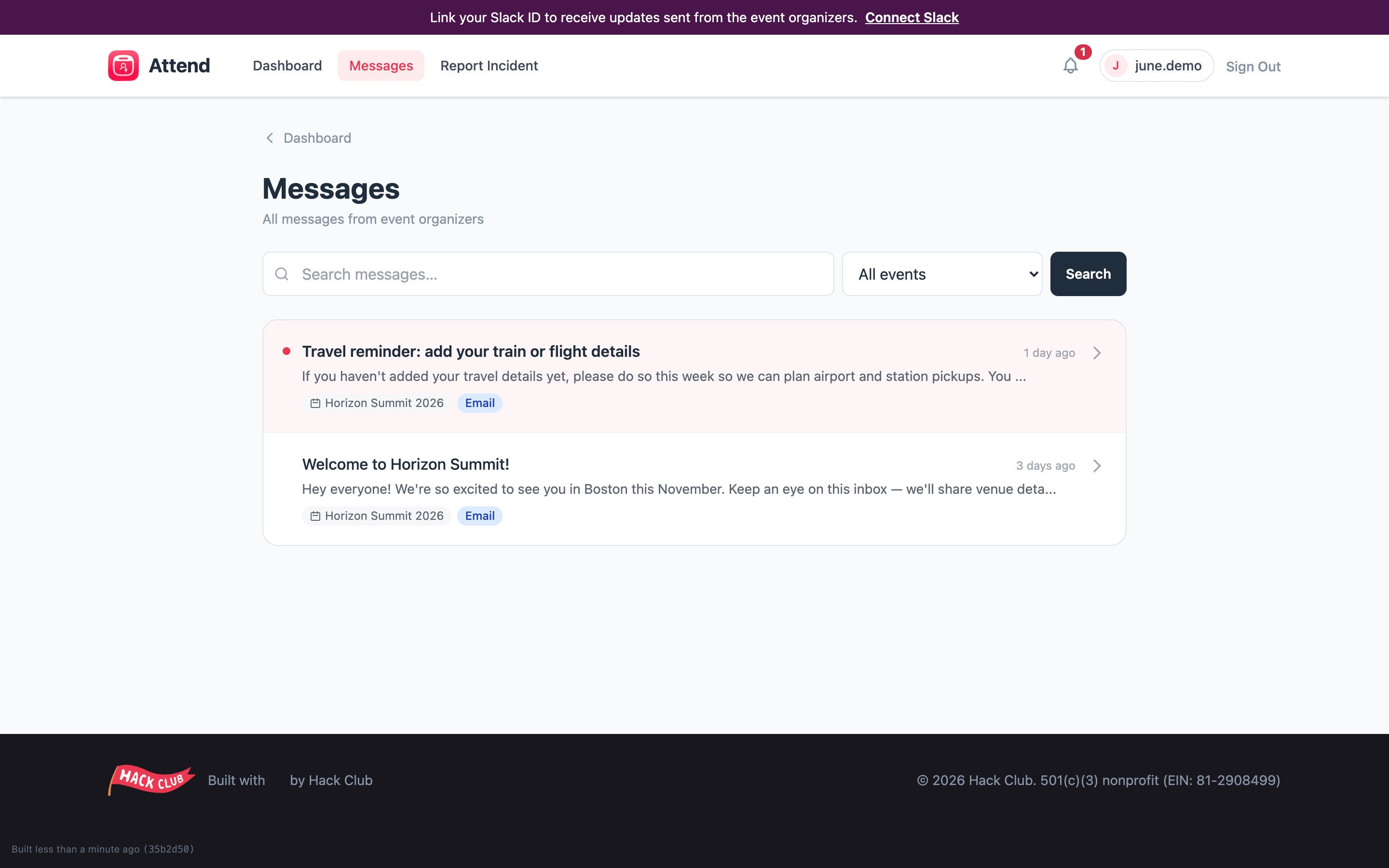
Your inbox
Click Messages in the top navigation. From there you can:- see every message you’ve been sent, newest first,
- filter by event if you’re registered for more than one,
- search past messages,
- spot unread messages at a glance — there’s also an unread badge on the Messages link itself.
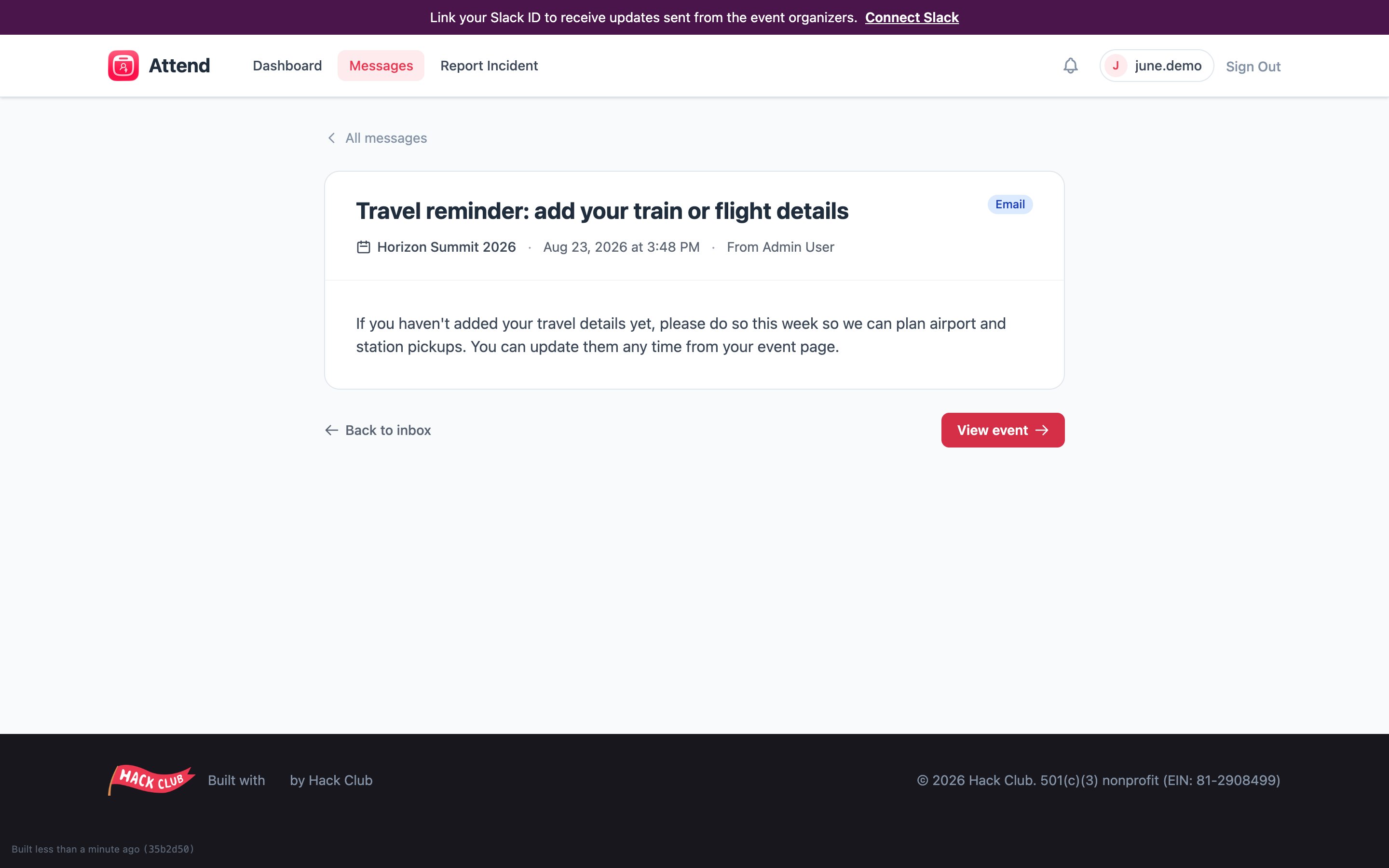
Recent messages also appear on your event page
The last few announcements for an event are shown at the bottom of that event’s page, so you don’t have to switch back and forth.Tips
- Check Messages before you travel. Arrival-day logistics almost always go out as a message.
- Connect Slack to also get announcements as DMs — see Connecting Slack.
- Messages are one-way announcements. To reply or ask a question, use the contact details in the message or email attend@hackclub.com.